
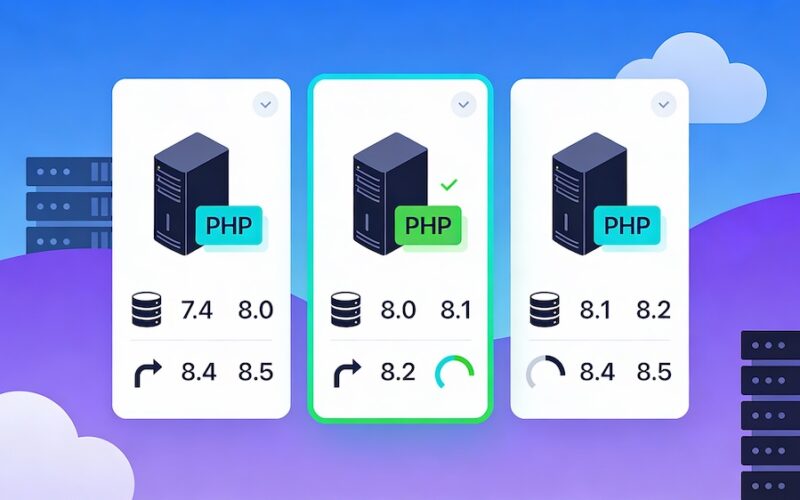
Benefits of PHP 8: Why You Should Upgrade
PHP 8 introduces powerful new features, improved performance, and enhanced security, making it the best version of PHP yet. Whether you run a business website, a web application, or an eCommerce store, upgrading to PHP 8 on Switchweb will help you take full advantage of these improvements.
This guide explores the benefits of PHP 8, how to enable it on Switchweb, and answers frequently asked questions about the upgrade process.
Key Benefits of PHP 8
1. Faster Performance with JIT Compilation
PHP 8 introduces a Just-In-Time (JIT) Compiler, significantly improving execution speed and reducing server load. This means faster website performance and better handling of high-traffic applications.
- Benefit: Faster page load times.
- Ideal for: Websites with complex PHP scripts and heavy processing.
2. Improved Syntax and Readability
PHP 8 brings new syntax features that make code cleaner, easier to read, and more efficient.
- Match Expression: A streamlined alternative to switch statements.
- Union Types: Allows multiple data types for better flexibility.
- Named Arguments: Makes function calls more readable and less error-prone.
3. Enhanced Security Features
Security is always a priority, and PHP 8 improves protection against vulnerabilities.
- Stronger Type Validation reduces the chances of errors.
- More Secure Password Hashing with updated cryptographic functions.
- Improved Error Handling ensures fewer silent failures.
4. Better Memory Management
Efficient memory usage in PHP 8 leads to fewer crashes, faster execution, and improved scalability for growing websites.
- Benefit: More stable applications with less memory consumption.
- Ideal for: Large-scale applications and eCommerce platforms.
5. Compatibility with Modern Web Technologies
PHP 8 aligns with modern web development standards, making it easier to integrate with popular frameworks and libraries such as:
- Laravel
- Symfony
- WordPress
- Magento
This ensures better support and performance for applications built with these tools.
How to Enable PHP 8 on Switchweb
Switching to PHP 8 on Switchweb is quick and easy. Follow these steps:
- Log in to Control Panel on your Switchweb hosting account.
- Navigate to Select PHP Version under the Software section.
- Choose PHP 8 from the available versions.
- Click Set as Current to apply the changes.
- Test your website to ensure everything functions correctly.
Frequently Asked Questions About PHP 8
Is PHP 8 Compatible with My Website?
Most modern PHP applications, including WordPress, Laravel, and Magento, fully support PHP 8. However, if you’re using older plugins or themes, check for compatibility before upgrading.
Does PHP 8 Improve SEO?
Yes! A faster website means a better user experience, which directly improves SEO rankings. Google prioritises fast-loading websites in search results.
Will PHP 8 Break My Existing Code?
While PHP 8 is largely backward-compatible, some deprecated functions have been removed. Test your website on a staging environment before upgrading.
Can I Switch Back to an Older PHP Version?
Yes, Switchweb allows you to change PHP versions easily through the Control Panel. However, for security and performance, it’s recommended to use the latest version.
Conclusion
Upgrading to PHP 8 on Switchweb is a smart move for faster performance, better security, and improved compatibility with modern web technologies. By enabling PHP 8 today, you ensure your website stays ahead of the curve.
Looking for expert PHP hosting? Switchweb offers fully optimised PHP hosting with support for the latest versions. Get started today!
Looking to get started on Switchweb? Take a look at our website hosting plans or message us about a free trial.
