
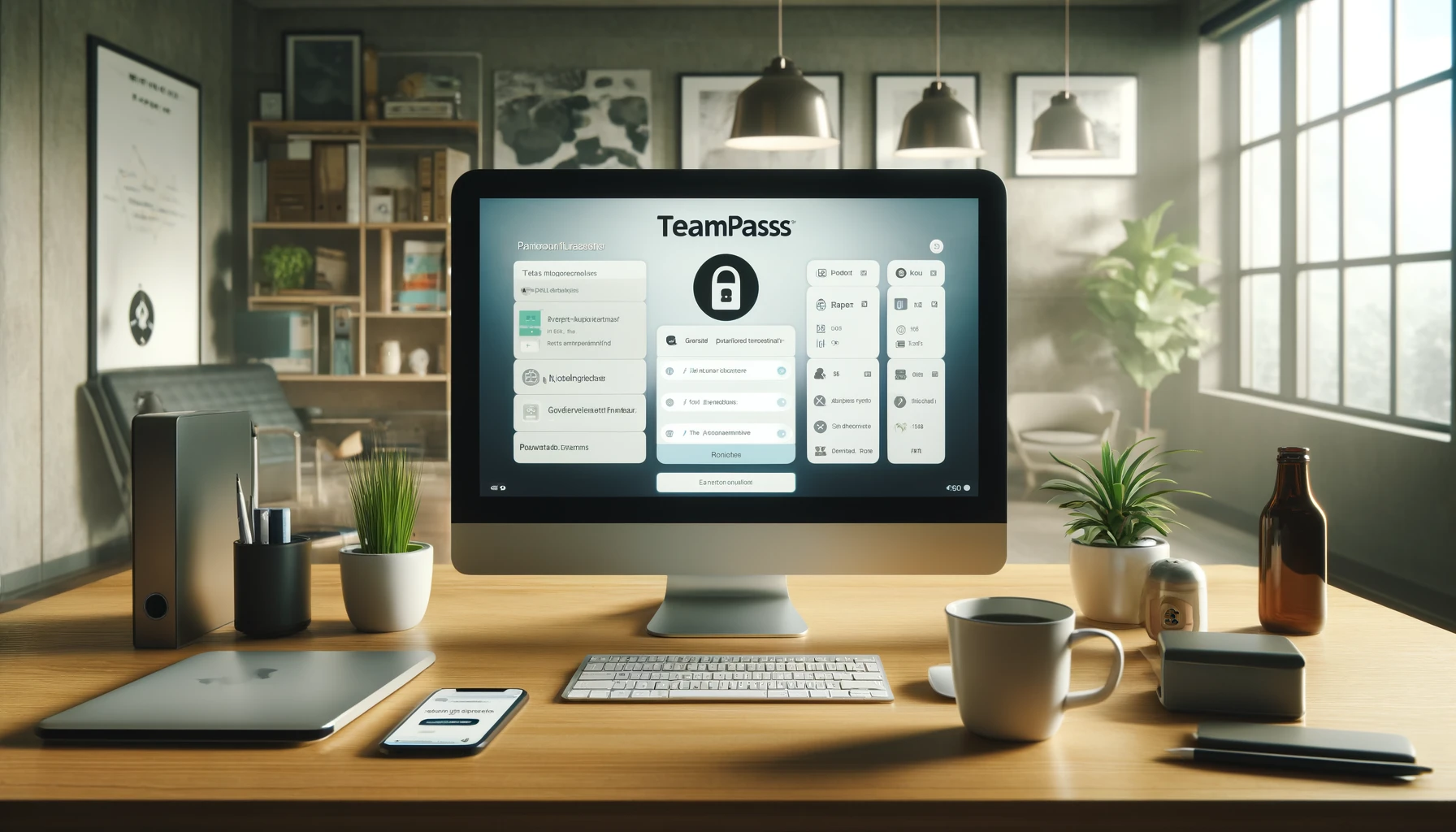
Elevate Your Password Management with TeamPass on Switchweb
In today’s digital age, managing passwords securely is more critical than ever. Whether you’re a small business or a large enterprise, keeping sensitive information safe is paramount. Enter TeamPass-a robust, open-source password manager designed to help teams manage their passwords securely and efficiently. And when you pair TeamPass with the reliable hosting solutions from Switchweb, you get a seamless experience that’s both easy to set up and maintain. In this blog post, we’ll explore what TeamPass is, its benefits, use cases, and why Switchweb is the perfect host for it. By the end, you’ll be ready to take your password management to the next level with TeamPass on Switchweb.
What is TeamPass?
TeamPass is an open-source password manager designed to help teams store and share passwords securely. It offers a centralized repository where you can keep all your passwords, notes, and other sensitive information. With features like user roles and permissions, TeamPass ensures that only authorized users have access to specific passwords, enhancing security and control.
Key Features of TeamPass
- Centralized Password Storage: Keep all your passwords in one secure location.
- User Roles and Permissions: Control who has access to which passwords with detailed user roles and permissions.
- Encrypted Data Storage: TeamPass uses strong encryption methods to protect your data.
- Two-Factor Authentication: Add an extra layer of security with two-factor authentication.
- Audit Logs: Track who accessed what and when with detailed audit logs.
- Customizable: Tailor TeamPass to meet your specific needs with its flexible and modular design.
Why Use TeamPass?
Managing passwords for a team can be a daunting task, but TeamPass makes it easy and secure. Here’s why you should consider it:
- Enhanced Security: Store your passwords securely with encryption and two-factor authentication.
- Improved Collaboration: Share passwords securely among team members without compromising security.
- Cost-Effective: As an open-source solution, TeamPass is free to use, which can significantly reduce costs.
- Scalable: Whether you’re a small team or a large organization, TeamPass scales to meet your needs.
- User-Friendly: Its intuitive interface makes it easy for team members to access and manage passwords.
Use Cases for TeamPass
TeamPass can be adapted to fit various industries and team sizes. Here are some common use cases:
- Small Businesses: Manage all business-related passwords in one secure location, accessible only by authorized staff.
- IT Departments: Store and share administrative passwords for servers, databases, and applications securely.
- Remote Teams: Ensure remote team members have secure access to necessary passwords without risking security breaches.
- Enterprises: Implement a company-wide password management solution that integrates with existing IT infrastructure.
- Project Teams: Share project-specific passwords with team members, ensuring everyone has access to the tools they need.
Hosting TeamPass on Switchweb
To get the most out of TeamPass, you need a reliable and powerful hosting provider. This is where Switchweb comes in. Switchweb offers a seamless hosting experience with features tailored to enhance your TeamPass deployment.
Benefits of Hosting with Switchweb
- Easy Setup: Switchweb provides a one-click installation for TeamPass, making it incredibly easy to get started.
- Reliability: Enjoy high uptime and performance, ensuring your TeamPass instance is always accessible.
- Speed: Fast loading times are crucial for a smooth user experience, and Switchweb’s optimised servers deliver just that.
- Security: Protect your sensitive data with advanced security features, including SSL certificates and regular backups.
- Support: Switchweb’s customer support team is always ready to help with any issues you might encounter.
Getting Started with TeamPass on Switchweb
Setting up TeamPass on Switchweb is straightforward. Here’s a step-by-step guide to get you started:
1. Sign Up for Switchweb
Visit the Switchweb website and sign up for an account. Choose a hosting plan that fits your needs, whether you’re just starting or need resources for a large organization.
2. One-Click Installation
Log in to your Switchweb account and navigate to the control panel. Look for the one-click installation section. Find TeamPass in the list of available applications and click “Install.” Follow the prompts, and within minutes, your TeamPass instance will be ready to go.
3. Customize Your TeamPass
With TeamPass installed, it’s time to customize it to fit your specific needs. Configure user roles, permissions, and any other settings that will help your team manage passwords efficiently.
4. Migrate Your Existing TeamPass
If you already have a TeamPass instance hosted elsewhere, migrating to Switchweb is easy. Here’s how:
- Backup Your Instance: Start by creating a backup of your current TeamPass instance, including all files and the database.
- Upload to Switchweb: Use an FTP client to upload your backup files to your new Switchweb hosting account.
- Import Database: Log in to the Switchweb control panel and use the database management tool to import your database backup.
- Update Configuration: Adjust your TeamPass configuration files to point to the new database and server settings.
- Test Everything: Thoroughly test your TeamPass instance to ensure everything is working correctly. Once you’re satisfied, update your domain’s DNS settings to point to your new Switchweb server.
Why Switchweb is the Best Choice
Switchweb offers a seamless experience for hosting TeamPass. Here’s why it stands out from the competition:
- User-Friendly Interface: The Switchweb control panel is designed for ease of use, making it accessible to both beginners and experienced users.
- Scalability: As your team grows, Switchweb grows with you. Easily upgrade your hosting plan to meet increased demand.
- Affordable Pricing: Get premium hosting services without breaking the bank. Switchweb’s plans are designed to fit any budget.
- Regular Updates: Keep your TeamPass instance secure and running smoothly with regular software updates from Switchweb.
- Community and Support: Join a community of like-minded individuals and benefit from top-notch support. Switchweb’s team is always ready to assist with any questions or issues.
Engaging Your Team with TeamPass
Once your TeamPass instance is up and running, it’s time to engage your team. Here are some tips to ensure everyone gets the most out of TeamPass:
- Training Sessions: Conduct regular training sessions to ensure your team is comfortable using TeamPass.
- Customization: Tailor TeamPass to fit your team’s workflow. The more it aligns with their needs, the more they’ll use it.
- Feedback Loop: Encourage your team to provide feedback on how TeamPass can be improved. Use their suggestions to make continuous improvements.
- Integration: Integrate TeamPass with other tools your team uses daily to streamline workflows and reduce friction.
- Regular Updates: Keep your team informed about new features and updates to TeamPass. Regular communication will help them stay engaged and take full advantage of the tool.
Conclusion
TeamPass is a powerful tool that can transform your password management, enhancing security and efficiency. And when you host it on Switchweb, you add reliability, speed, and exceptional support into the mix. Whether you’re starting from scratch or migrating an existing instance, Switchweb makes it easy.
So, what are you waiting for? Sign up with Switchweb, install TeamPass with a single click, and start securing your passwords today. The future of your team’s security is in your hands-grab it and create something amazing!
Looking to get started on Switchweb? Take a look at our website hosting plans or message us about a free trial.

Amos
15 May 2024Even the strongest chains have weak links! TeamPass is as strong as its weakest user.
Axton
21 May 2024Switching may seem daunting, but TeamPass user-friendly interface and robust security make the transition painless and secure.
Linda
23 May 2024While I agree TeamPass is a step up in password management, can anyone clarify if it integrates with other authentication methods like biometrics? Just curious to know if its a one-stop solution.
Giuliana
29 May 2024Just read the article on TeamPass on Switchweb. Anyone else think that the emphasis on password management is overhyped? Isnt the real issue more about training staff on security risks?